

Why Does Your PC Become Slow?
And How System As You Like Brings Your Computer Back to Life

Introduction: The Battle to Restore Speed
In today’s fast-paced digital world, a slow computer is no longer a minor inconvenience. It is a direct obstacle to productivity, creativity, and daily efficiency. Whether you are a designer working with heavy files, a gamer chasing stable frame rates, or an office user trying to complete routine tasks, system lag and unresponsive behavior quickly become your greatest enemies.
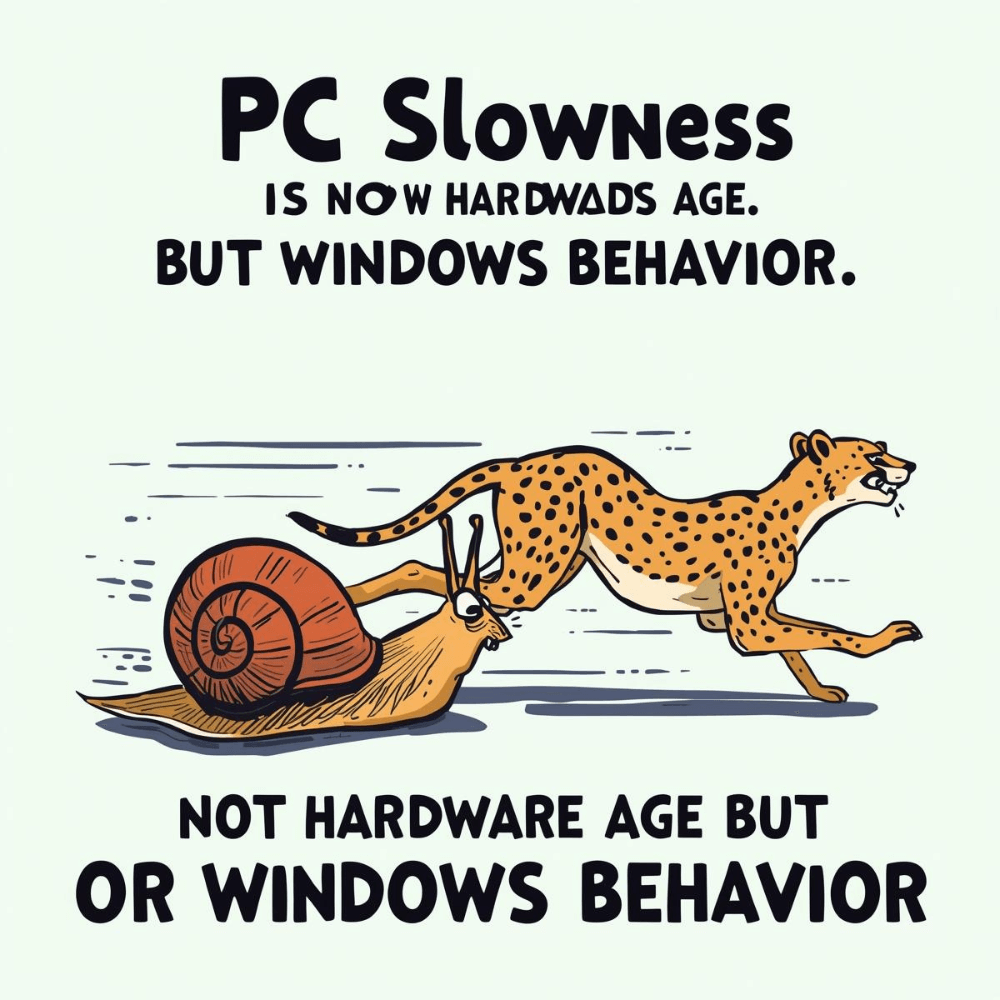
Many users assume that slowness is simply a sign of aging hardware. The common belief is that once a computer starts slowing down, replacement is inevitable. From a technical perspective, however, this assumption is often wrong. In the majority of cases, modern hardware remains fully capable, but the operating system itself becomes increasingly burdened over time.
Windows systems, especially Windows 10 and Windows 11, are no longer lightweight operating environments. They have evolved into complex platforms running dozens of background services, continuous update mechanisms, synchronization processes, and data-collection systems. These components operate silently, consuming system resources even when the user is doing nothing demanding.
The result is gradual performance degradation. The computer does not suddenly become slow overnight. Instead, responsiveness declines slowly: longer boot times, delayed application launches, sudden freezes, and unexplained spikes in CPU, RAM, or disk usage. Users feel the impact but struggle to identify the cause.
This guide is not built on generic advice such as “delete files” or “restart your PC.” It is a technical yet practical breakdown of the hidden reasons behind Windows slowdowns and a structured explanation of how System As You Like restores performance by returning control to the user.

Part One: Why Windows Ages So Quickly (The Hidden Causes)
1. Digital Waste Accumulation: The Slowdown You Cannot See
Every day you use your computer, Windows creates temporary files. These include installation remnants, error logs, cache files, update leftovers, and system backups that are no longer needed. While each file may appear insignificant on its own, their accumulation over time has a measurable impact on performance.
The problem is not just storage space. As the system fills with unnecessary data, file access becomes less efficient. The operating system spends more time locating critical files, increasing latency during basic operations such as opening folders, launching applications, or saving projects.
On traditional hard drives, this effect is especially noticeable. However, even SSD-based systems are not immune. Continuous background access and fragmentation-like behavior caused by excessive system activity reduce responsiveness over time.
Windows includes basic cleanup utilities, but they only address a fraction of this digital waste. The majority remains untouched, silently contributing to system slowdown without ever appearing as an obvious error.
2. Telemetry and Tracking Services: Silent Resource Drain
One of the least visible yet most impactful causes of Windows slowdown is telemetry. Windows 10 and Windows 11 operate multiple background services dedicated to collecting usage data and sending diagnostic reports to Microsoft servers.
From a technical standpoint, these services consume:
- CPU processing cycles
- RAM allocation
- Network bandwidth
Individually, each process appears lightweight. Collectively, they form a persistent background load that never truly stops. This constant activity explains why many users experience unexplained CPU spikes, high disk usage, or reduced network stability even during idle periods.
Telemetry does not only affect performance; it also affects latency-sensitive tasks. Online gaming, video conferencing, and cloud-based workflows suffer when background data transmission competes for bandwidth. The user experiences stuttering, lag, or inconsistent response times without realizing the source.
This silent drain is especially problematic because it operates continuously. Unlike a visible application that can be closed, telemetry services are embedded deeply within the system and remain active unless addressed deliberately.
3. Preinstalled Bloatware: The Built-In Enemy
A fresh Windows installation is rarely clean. Modern versions of Windows come bundled with numerous preinstalled applications that many users never request or use. Games, promotional apps, media services, and advertising-related tools are installed by default.
These applications are not merely passive icons occupying disk space. Many of them:
- Launch during system startup
- Remain loaded in memory
- Automatically update in the background
- Communicate with external servers
Even when users manually uninstall some of these apps, associated services and scheduled tasks often remain active. In many cases, system updates reinstall removed components without user consent.
This behavior results in constant resource consumption that offers no real benefit to the user. Over time, the operating system becomes cluttered with processes whose only purpose is to support platform-level goals rather than user productivity.

Part Two: Why Traditional Fixes Usually Fail
Popular Cleanup Tools: Temporary Relief, Permanent Problem
When performance issues arise, many users turn to well-known “PC cleaner” or “system optimizer” applications. These tools promise instant speed improvements with minimal effort. While some may provide short-term results, they rarely address the core problem.
Most traditional cleaners share three critical weaknesses.
First, they are heavy. Many run persistent background services, introduce startup tasks, and consume resources themselves. In effect, they become part of the system load they claim to reduce.
Second, they operate superficially. They focus on browser caches, temporary folders, or simple registry entries while ignoring deep system services, telemetry frameworks, and forced update mechanisms.
Third, their business model often prioritizes upselling and notifications over actual system improvement. Constant pop-ups, alerts, and upgrade prompts degrade the user experience further.
The result is predictable. Performance may improve briefly, but the slowdown returns because the root causes were never addressed.
Part Three: System As You Like — Understanding the Problem Instead of Hiding It
System As You Like was not designed as a traditional cleaner. It is a system optimization tool built on a fundamentally different philosophy: performance and stability can only be restored by reclaiming control over how Windows operates internally.
The software is developed using C++ and WinRT, allowing direct interaction with native system components. This eliminates the need for heavy runtimes, background frameworks, or persistent services. When the tool is not running, it consumes nothing.
By operating at the system level rather than on the surface, System As You Like addresses the actual sources of slowdown instead of masking symptoms. It does not attempt to decorate Windows with visual tricks or temporary tweaks. Instead, it restructures how resources are allocated.
How System As You Like Actually Fixes Slowness
Intelligent Memory Recovery
Rather than simply closing visible programs, the software identifies stalled or unnecessary background processes and forces the system to release locked memory. This provides immediate RAM availability for demanding applications and games.
Disabling Parasitic Services at the Root
Not all services are harmful, but many exist solely for telemetry, background updates, or platform synchronization. System As You Like targets these services precisely, reducing CPU and disk saturation and eliminating common 100% usage scenarios.
Full Control Over Forced Updates
One of the most disruptive sources of slowdown is background update activity. System As You Like restores user authority. Updates occur only when you decide, preserving system stability, network performance, and uninterrupted workflows.
Transition to the Value Offer
This is where technical optimization becomes practical value. Instead of replacing hardware or relying on temporary fixes, System As You Like offers a long-term solution.
12 months of full functionality
- 3 additional months free
More control
Stable performance
One full year of optimization
Part Four: Real-World Results — What Actually Changes After Optimization
Technical explanations matter, but what truly convinces users is what they experience after optimization. Slowness is rarely a single dramatic failure. Instead, it is a collection of small frustrations that slowly erode productivity: delayed startup, freezing windows, lag when switching tasks, and sudden performance drops without warning.
After applying the optimizations provided by System As You Like, the first noticeable improvement is boot time. Windows starts significantly faster because unnecessary startup services and background processes are no longer competing for resources during initialization. For users who restart their systems frequently, this alone reshapes daily workflow.
Next comes system responsiveness. File Explorer opens instantly instead of hesitating. Applications launch without stalling. Multitasking becomes smoother because RAM and CPU resources are no longer reserved for background operations that serve no direct user purpose. These improvements are not cosmetic; they are structural.
Most importantly, performance becomes predictable. The system no longer behaves inconsistently, where sudden slowdowns appear without explanation. This predictability restores trust between the user and the machine.

Part Five: Gaming Performance — When Stability Matters More Than Raw Power
For gamers, performance is measured in consistency, not marketing numbers. Frame drops, stutters, and latency spikes are often caused not by weak hardware, but by background system activity interfering at critical moments.
Windows frequently performs background tasks such as update checks, telemetry uploads, indexing, and synchronization while games are running. Even brief CPU or disk spikes can disrupt frame delivery or increase input latency.
By disabling parasitic services, suppressing forced background updates, and reducing unnecessary network traffic, System As You Like creates a cleaner execution environment for games. Frame rates become more stable, minimum FPS improves, and sudden drops become far less common.
Another significant benefit is thermal stability. Reduced background load lowers overall CPU utilization, which often results in lower operating
temperatures. This prevents thermal throttling during long gaming sessions and allows the hardware to sustain peak performance longer.
For competitive players and casual gamers alike, this translates into smoother gameplay and fewer interruptions.
Part Six: Productivity and Professional Workflows
For professionals, system slowdown is not an annoyance — it is a cost. Designers, developers, video editors, and engineers rely on consistent system behavior. Delays when opening large projects, freezes during rendering, or interruptions caused by forced restarts directly reduce productivity.
When background processes are minimized, professional software gains uninterrupted access to system resources. Rendering tasks run more consistently, compilation times become more stable, and large files open faster. This does not require new hardware; it requires removing unnecessary competition for resources.
Equally important is system stability. By giving users control over updates and background services, System As You Like eliminates many unexpected disruptions. Work sessions remain uninterrupted, deadlines become easier to meet, and frustration decreases.
In professional environments, reliability often matters more than peak performance. A stable system that behaves as expected is far more valuable than one that occasionally performs well but frequently interrupts work.
Part Seven: Privacy as a Performance Factor
Privacy and performance are often treated as separate concerns, but in reality they are deeply connected. Every tracking service, diagnostic upload, and background communication process consumes system resources and network bandwidth.
By disabling unnecessary telemetry and tracking components, System As You Like reduces continuous background activity. This results in lower CPU usage, reduced network traffic, and improved responsiveness across the system.
The benefits extend beyond performance metrics. Network latency improves, browser responsiveness increases, and online applications experience fewer interruptions. Privacy optimization becomes a direct contributor to speed and stability rather than a purely ethical consideration.
A system that respects user privacy is inherently lighter, quieter, and more efficient.
Part Eight: A Practical Comparison — Smart Optimization vs. Costly Upgrades
When users face persistent slowdown, they usually consider three options:
- Accept the slowdown
- Replace the hardware
- Optimize the system intelligently
Replacing hardware is expensive and often unnecessary. Worse, the same issues frequently reappear after some time because the underlying operating system behavior remains unchanged.
Accepting poor performance leads to wasted time and ongoing frustration.
Intelligent system optimization offers a third path. By addressing the operating system itself, System As You Like extends the usable lifespan of existing hardware and delays costly upgrades. This approach delivers sustainable improvements rather than temporary relief.
Part Nine: The Value Proposition — Maximum Control at Minimal Cost
Instead of repeated maintenance costs or expensive hardware replacements, System As You Like offers a straightforward long-term solution.
12 months of full access
- 3 months free
This includes:
- Continuous performance optimization
- Full control over system updates
- Reduced background resource usage
- Enhanced privacy and stability
All at a cost far lower than a single repair or hardware component.
Conclusion: Your PC Does Not Need a Miracle — It Needs Control
Slowness is not an inevitable consequence of time. In most cases, it is the result of an operating system that no longer prioritizes the user. Hardware remains capable, but resources are diverted toward background objectives unrelated to productivity or performance.
System As You Like restores balance. It does not promise unrealistic transformations. Instead, it delivers control, stability, and consistent performance. By deciding what runs, when it runs, and why it runs, users reclaim ownership of their machines.
A computer should work for its owner — not the other way around. Restoring that principle is the true purpose of optimization.